Microsoft - Extended Service Term

What is an Extended Service Term?

When a Microsoft 365 subscription ends without renewal, Microsoft used to offer a 30-day grace period. EST replaces that model.

An EST is a paid, month-to-month continuation of your subscription. It activates automatically if auto-renew is off and no action is taken at term end.

EST subscriptions are priced at a minimum 3% above the standard monthly rate. Charges are prorated by day. You can cancel or convert back at any time.
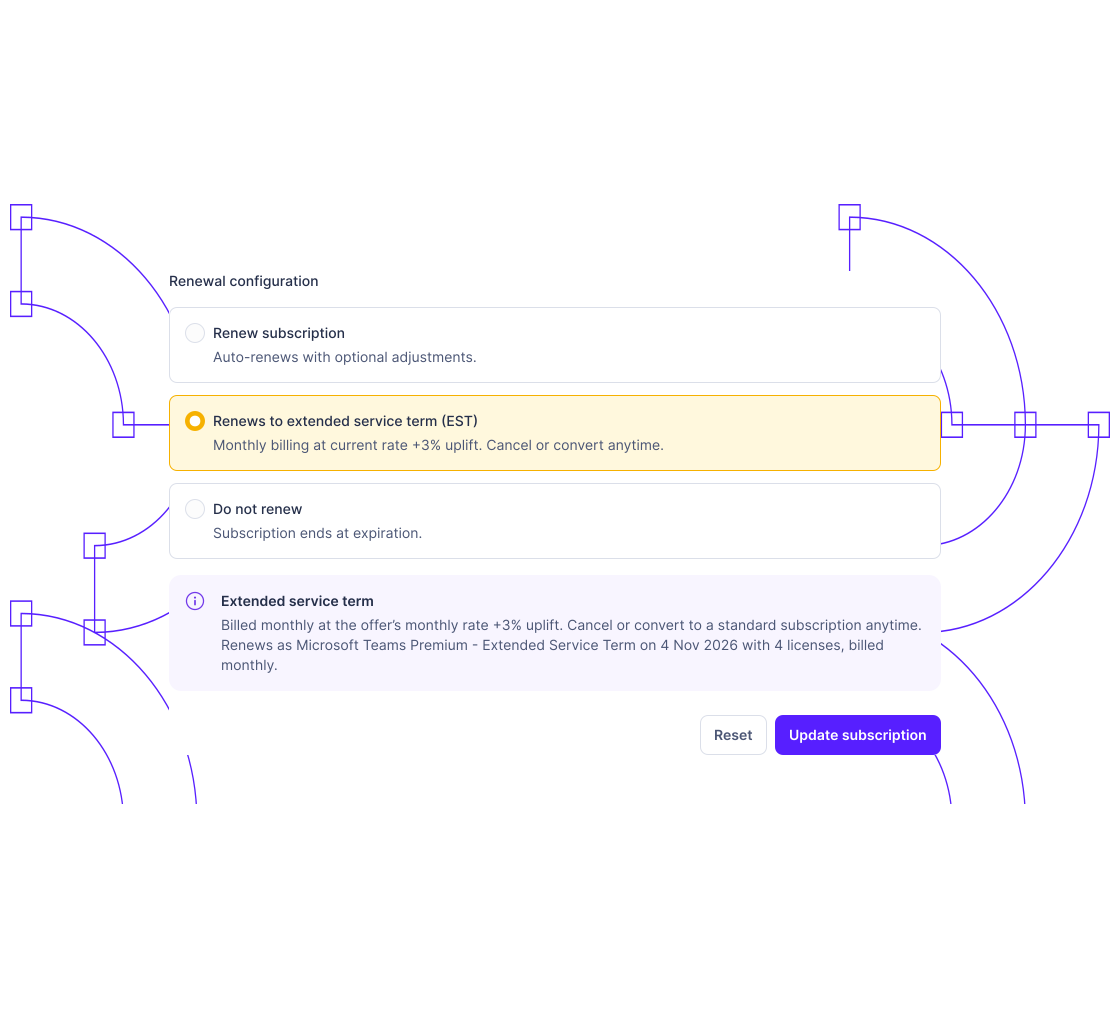

Three paths at end of term. Only one is automatic.

EST isn't a billing feature. It's a governance problem
Renew
Renew

The subscription continues on the same terms. Simple in isolation. Easy to miss when hundreds of end dates overlap and month-end close is already consuming the team.

Cancel
Cancel

Service ends. Data is retained for 90 days, then permanently deleted. Miss the window, and the choice disappears. What was a decision becomes an irreversible outcome

Extended Service Term - EST

Auto-renew off, no action taken, EST activates. Not a choice, a default. It bills at 3% above the standard rate, or 23% if no monthly plan exists, until someone intervenes.

Partners need three things: visibility and control.
One place to manage everything.

It's about having visibility across every subscription, every customer, before the end date arrives.

Subscription reaches end of term
Billing cycle closes on the scheduled expiration date.
Auto-renew is off. No action taken.
No renewal, no cancellation. Microsoft's system makes the next move.
Subscription converts to EST automatically
The state changes silently. There is no opt-in step.
Monthly billing begins at +3% premium
No license changes allowed. Billing continues until you cancel or convert.

Every risk, before it becomes one.
Every subscription. Every end date.

Most EST charges aren't caught in the portal. They're caught in a customer complaint.

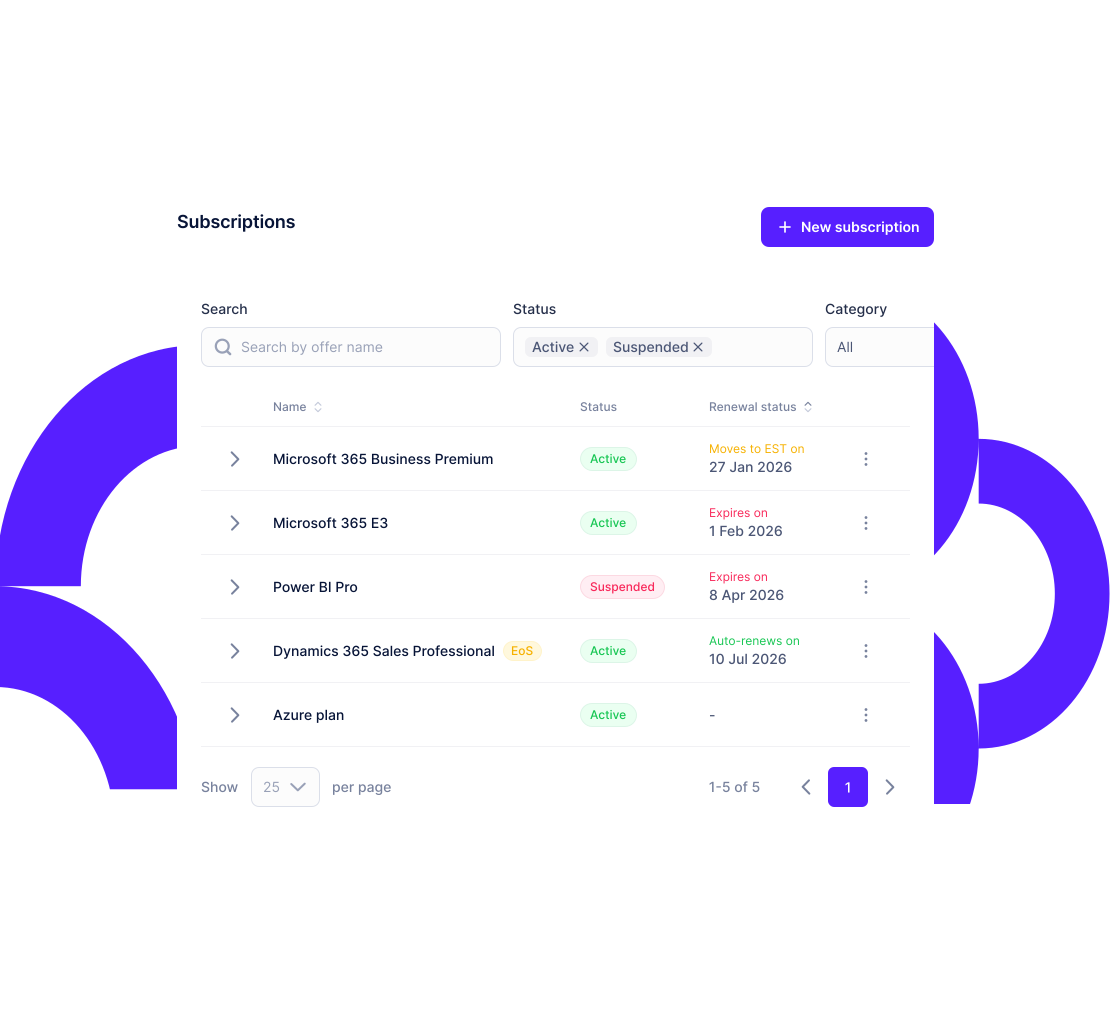
  • EST exposure doesn't hide in a spreadsheet. It surfaces automatically, flagged and dated.
  • Every upcoming expiration is visible before the window closes, not after the customer calls.
  • Stop reconciling what happened. Start managing what's next.

Is your portfolio affected?

Not every subscription qualifies for EST. Microsoft defined three conditions.
Purchase date

Purchased or renewed on or after April 1, 2025

Expiration date

Expiration date on or after May 4, 2026

Renewal setting

Auto-renew is set to OFF.

If all three apply, the subscription moves to EST automatically at term end, unless you act first.


Portfolio-wide EST visibility

See every subscription eligible for EST across all your customers in one view.

End-of-term alerts

Get notified before subscriptions hit their term date with enough time to act.

End-of-term management

Set renew, cancel, or EST preferences across multiple subscriptions.

Trusted by CSP partners managing Microsoft licensing.
Frequently asked questions about Microsoft EST